What customization options are available for the photo calendar?
You can personalize every month with your own photos, choose a cover design, and pick the color of the ring binding.
Delivery time
Without barcode or logo
Start month
Individual layout
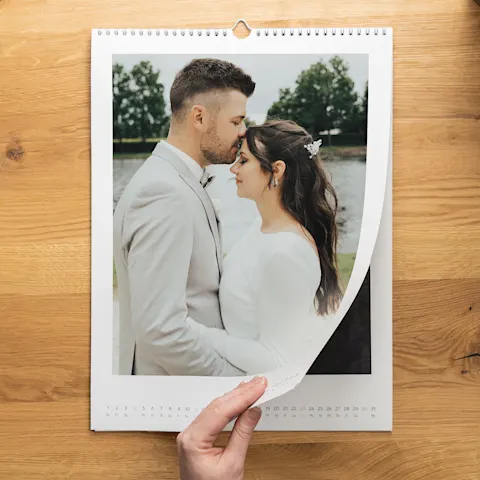
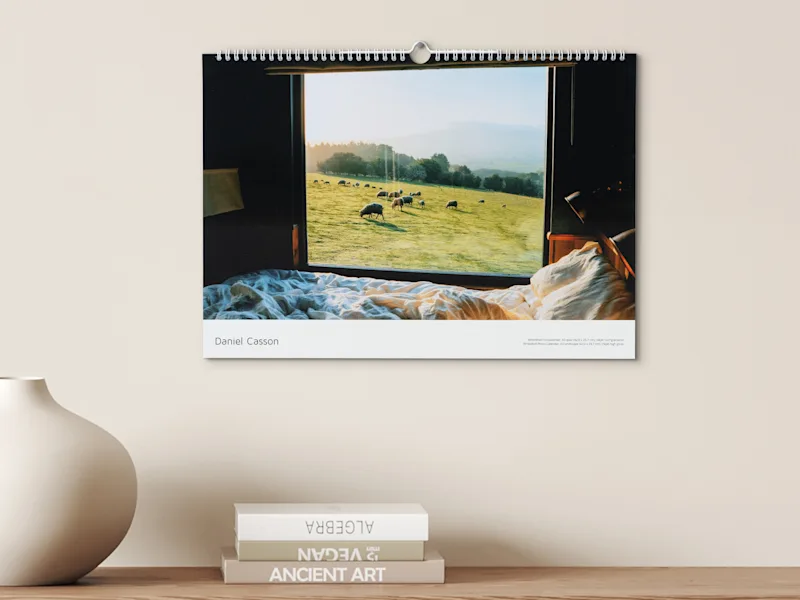
That's why we completely refrain from using barcodes or logos that might distract from your motifs
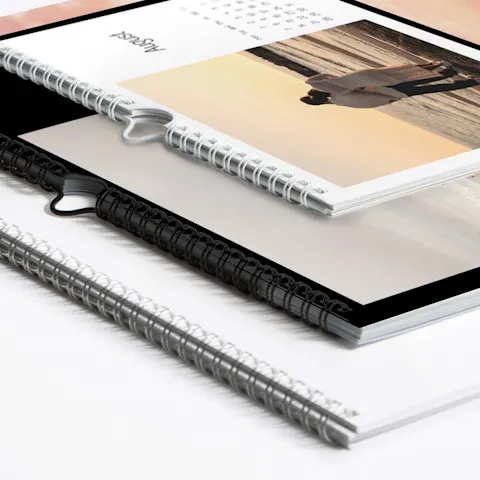
So you can make the perfect choice for each of your motifs
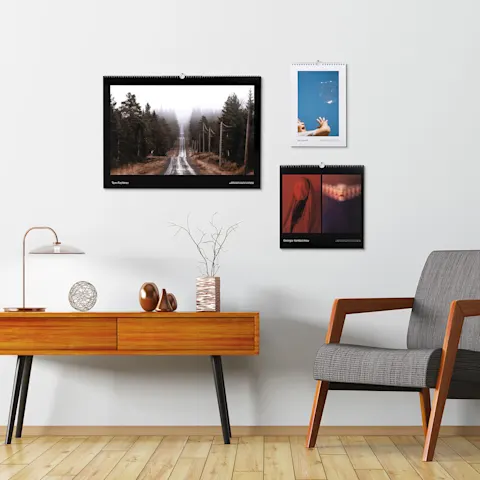
So you can flexibly carry out each of your projects, whether small or large
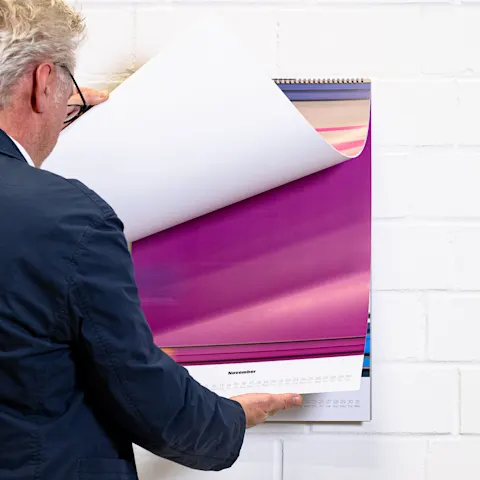
If you are ever less than completely satisfied, we will work together to find a solution
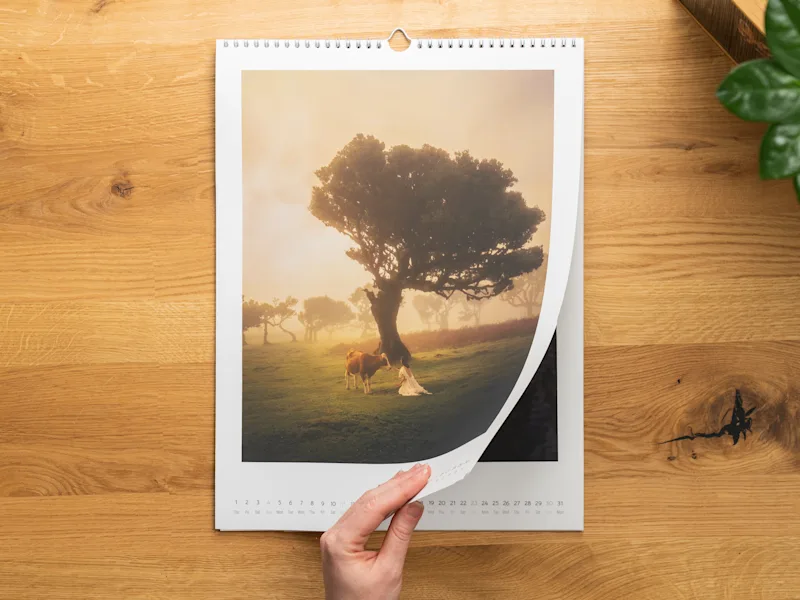
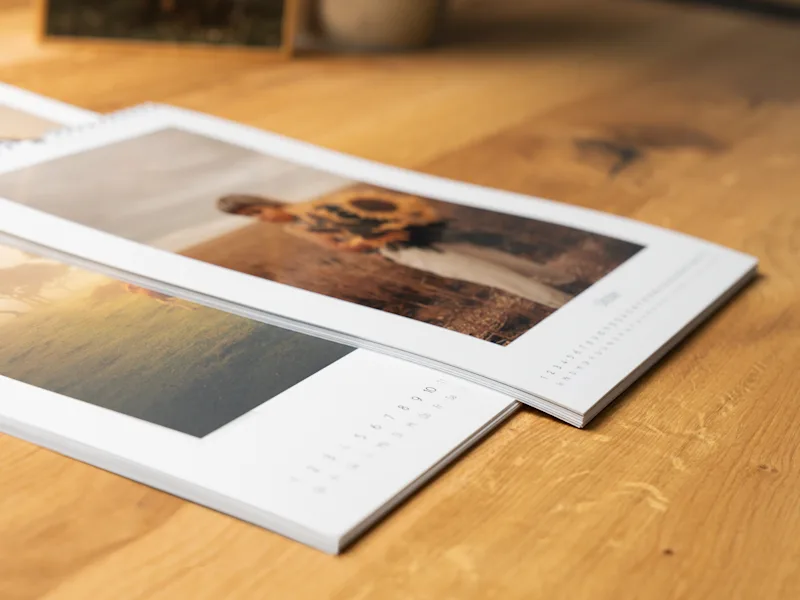
Create a 13-page photo calendar, including a cover page, featuring your own images, designed to meet professional standards. Whether as a lasting memento of an anniversary, a showcase for your photography portfolio, or a personal gift that brings joy every month, this calendar is sure to please.
Wide selection of formats
Choice of six papers (inkjet or photo paper)
Selectable binding color for inkjet calendars
Elegant design suggestions
Many customisation options
Easy to design online

Choose from eight different options for your wall calendar to find the format that perfectly matches your photos. Be it in landscape format, portrait format or even square if you prefer. Design your photo calendar exactly as you envision it – we’ll bring it to life with precision.
Inkjet: 16.5 x 23.4 in.
Photo paper: 24 x 16 in.
Inkjet: 23.4 x 16.5 in.
Photo paper: 24 x 16 in.
Inkjet: 17.7 x 17.7 in.
Inkjet: 11.7 x 16.5 in.
Photo paper: 12 x 16 in.
Inkjet: 16.5 x 11.7 in.
Photo paper: 16 x 12 in.
Inkjet: 11.7 x 11.7 in.
Photo paper: 12 x 12 in.
Inkjet: 8.3 x 11.7 in.
Photo paper: 8 x 12 in.
Inkjet: 11.7 x 8.3 in.
Photo paper: 12 x 8 in.
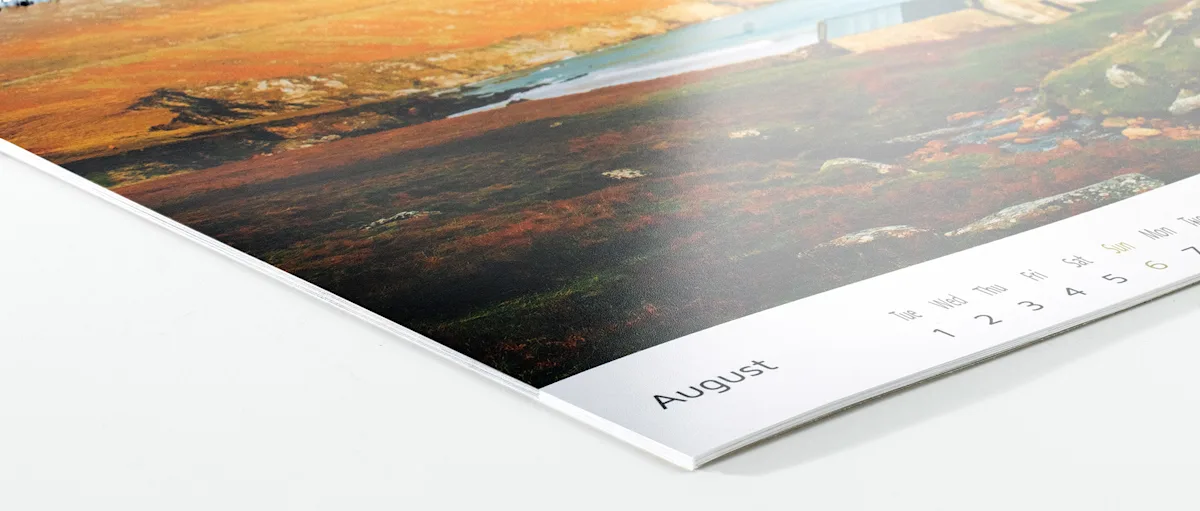
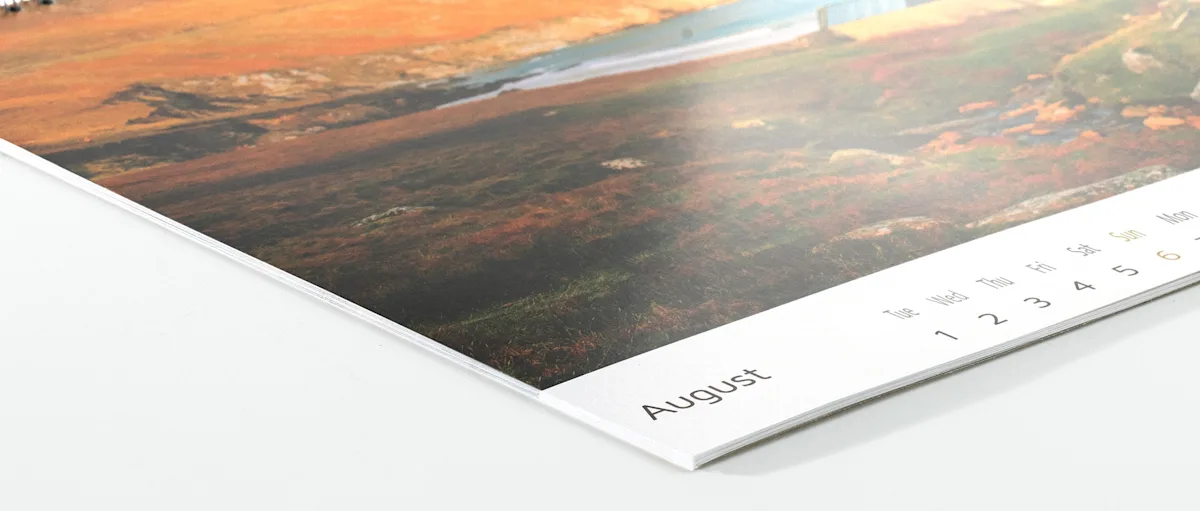
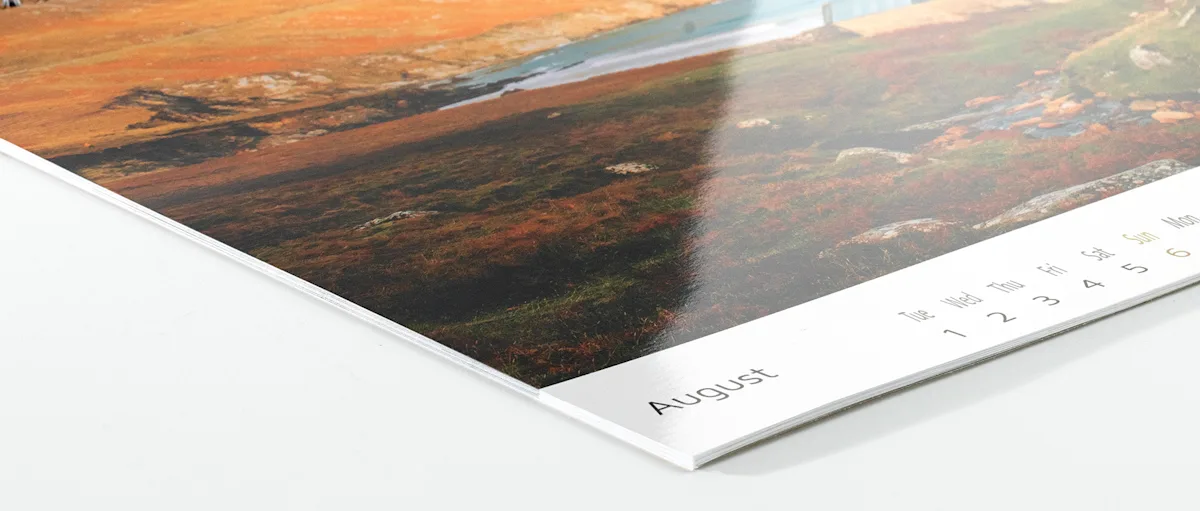
We offer a selection of six brand-name papers with different finishes: three inkjet papers that are printed in high resolution, and three photo papers that are exposed and then chemically developed.
Papers
Papers
Papers
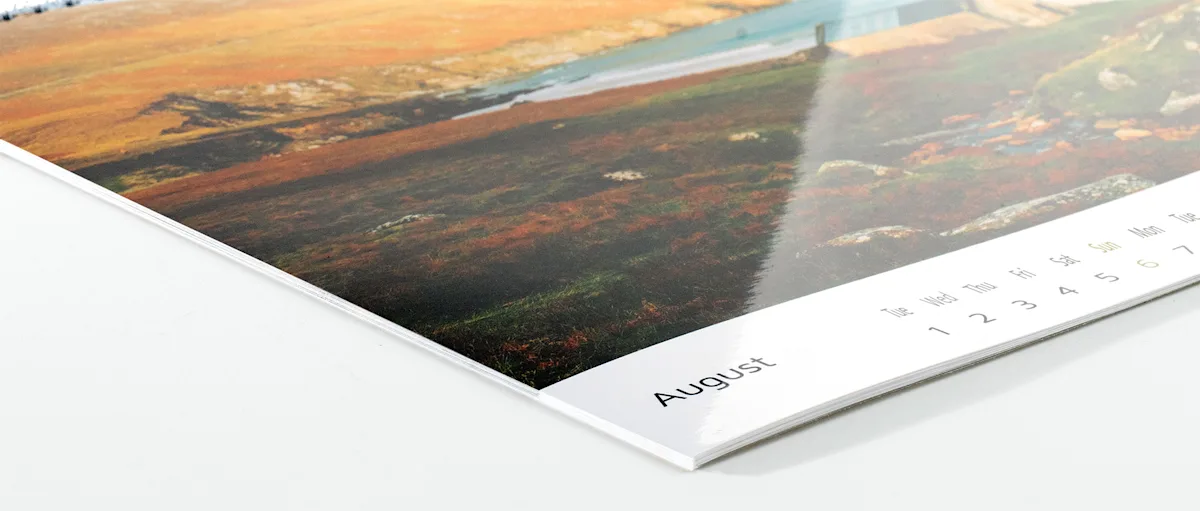
Papers
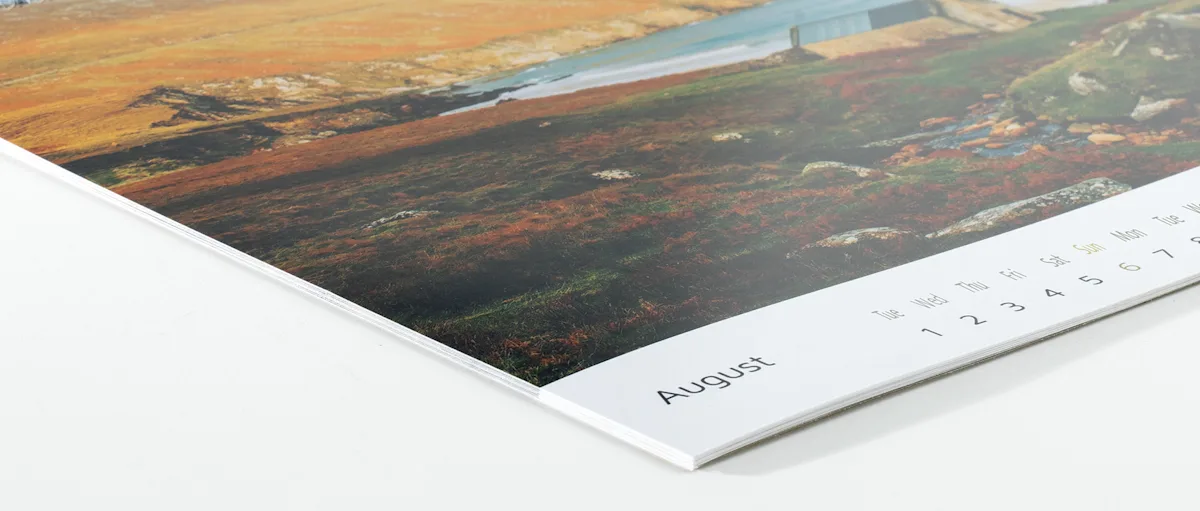
Papers
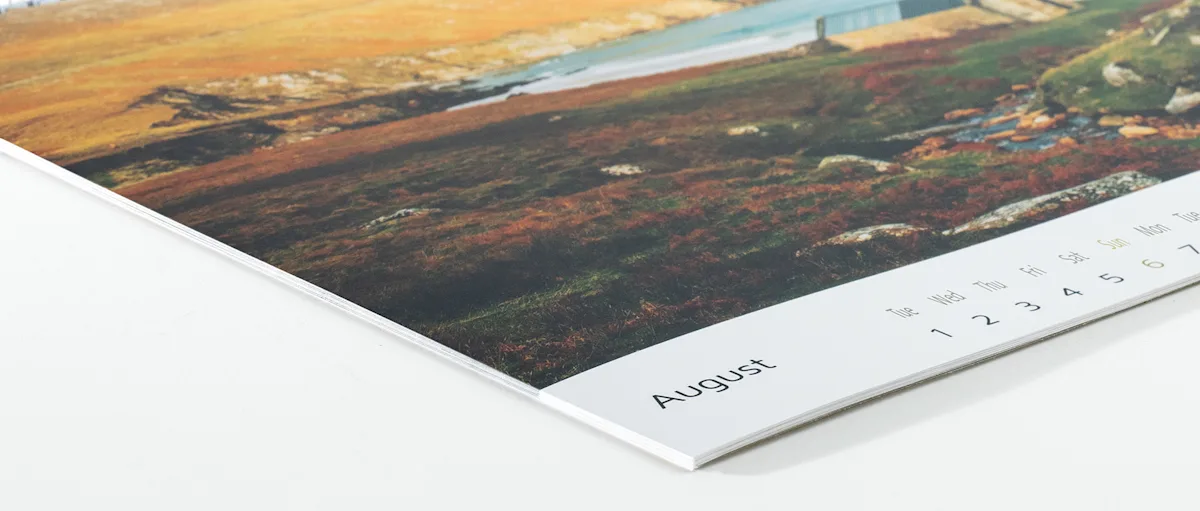
Papers
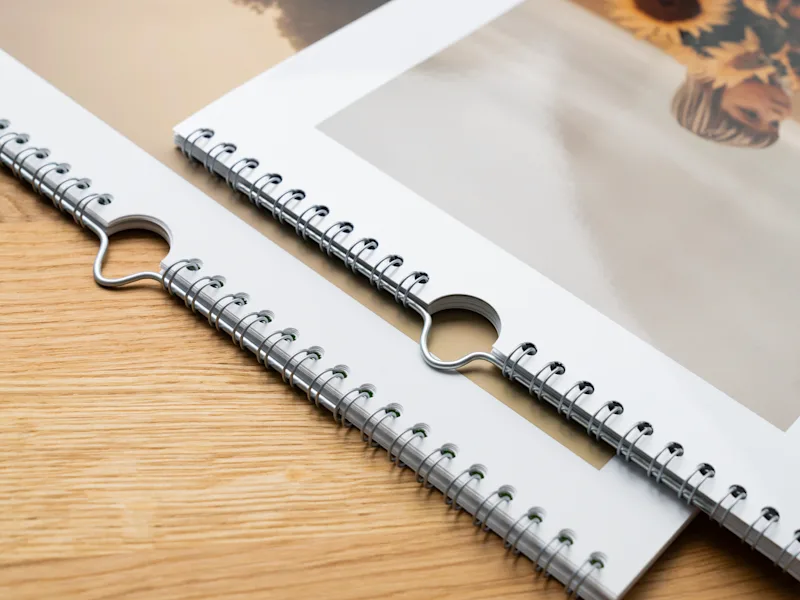
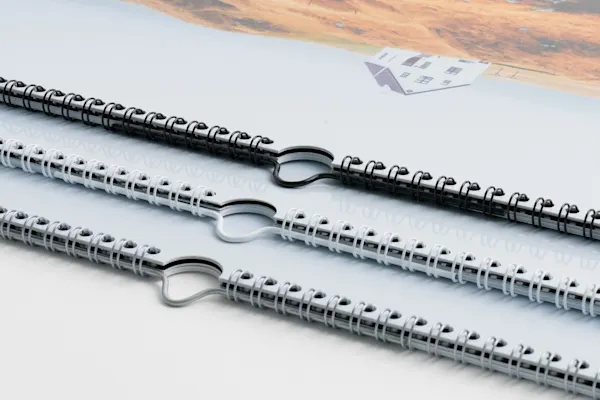
For even more personalization: with calendars made using the inkjet printing process, you can choose the color of the spiral binding to match your layout – black, white or silver. Calendars on photo paper are always made with a silver spiral binding.
With our calendar designs, you can create your photo calendar intuitively—all you have to do is insert your photos. If you want to customize your design further, you have plenty of flexibility: You can match the background and text colors to your photos, change the font, and highlight specific events. If you want to add additional photo and text fields, guidelines help with placement and alignment.

With our online software, you can design your photo calendar right in your browser. Choose a design template and customize the layout to your liking – no design software required. Saved or ordered photo calendars remain accessible in your WhiteWall account for 90 days.
Our tip: If 90 days aren't enough for your current project, you can easily extend the time frame by opening your calendar project and saving it again in the editor. This will reset the 90-day storage period.
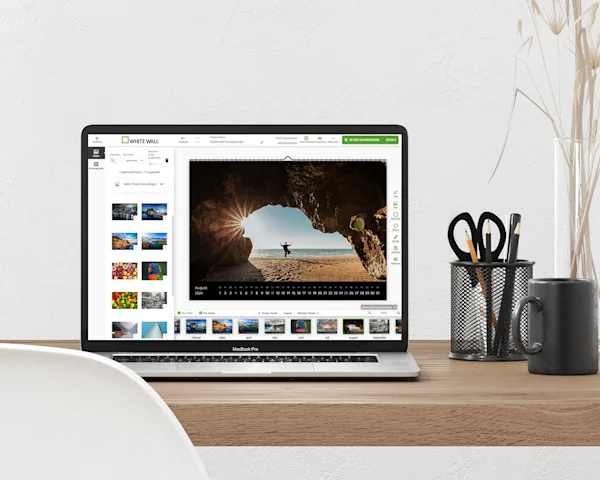

Here’s how to get started: Choose the right images based on an overarching theme. For example:
Travel photos as a photographic journey around the world over twelve months
Seasons depicted through changing images
Family calendar featuring shared experiences
Series featuring architectural details, black-and-white photography, or artistic still lifes
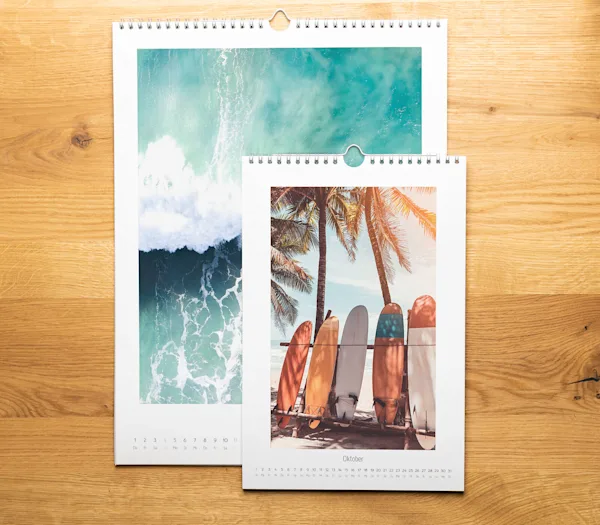
The high resolution of modern smartphones enables high-quality photo printing. Thanks to state-of-the-art technology and expert craftsmanship, we print your photos and photo projects in gallery quality. Using precise printing and exposure processes, we can also produce large formats up to 16 x 24 in. from your smartphone photos. In the editor, you’ll receive immediate feedback on your uploaded images, letting you know whether the resolution is sufficient for the selected photo size.
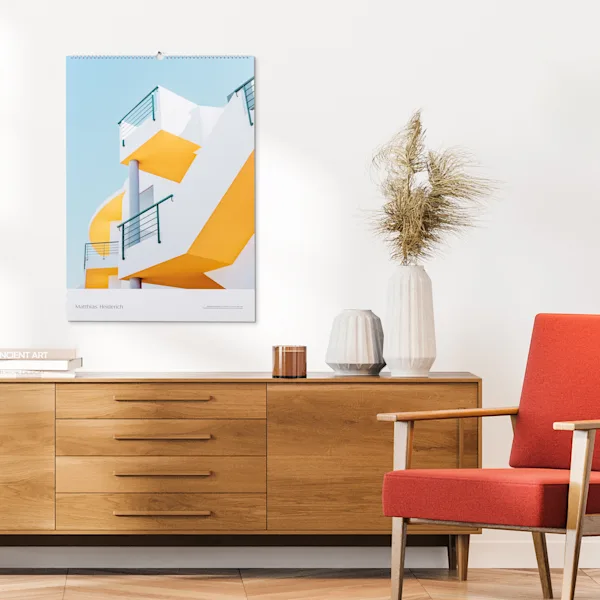
The photo calendar also makes a strong impression in the professional field: As a portfolio calendar, it offers a monthly glimpse into your work—whether it’s travel or fashion photography, architecture, or photojournalism. You can use it as a promotional gift or as a high-impact brand statement.
More ideas for businesses:
High-quality promotional item with branding options for customers
Professional customer retention through design and content
A gift for employees that grabs their attention every month


Showcase your photos in a high-quality coffee table book. It's perfect for various collections, such as vacation photos or yearbooks.

Showcase your artwork behind glossy acrylic glass—includes a stand and magnetic hanging system. Ideal for decorating a wall with several small-format pieces.

Print your motifs on brand-name papers with a variety of finishes and textures. Also available framed.

This article explains which factors are crucial for optimal print results and how you can determine whether the quality of your image is sufficient.

Photos have the power to evoke emotions and tell stories. In this article, you'll learn how to use your photos to tell a compelling story that captivates the viewer.

Today, smartphones are our constant photographic companions, allowing us to capture many of our experiences. In this article, we’ll introduce you to a selection of products that will give your smartphone photos a new home—whether in your home, your office, or as an expression of your photographic style.
You can personalize every month with your own photos, choose a cover design, and pick the color of the ring binding.
Production and delivery of the photo calendar takes 10 business days.
The difference lies in the process. With digital printing, the photo is printed on brand-name paper using inkjet technology. With traditional photography, the photo is exposed and developed on photographic paper.
A photo calendar can be reordered in a different size of the same format, but the format itself can't be changed. That's because the layout and positioning of the elements on each calendar page can't be transferred 1:1 to a new format.
Photos you've uploaded to design a photo calendar are stored in your customer account. This gives you the flexibility to add one calendar to your cart and immediately start designing another, even in a different size.
While designing your calendar in the Online Editor, select the "Options" tab on the right-hand side. There, you can change the format, the paper type, and the color of the ring binding. Be sure to check the layout of each page after changing the format.